01
Upload your frame
Choose single photo, multi-photo, video, or a combination. Upload one frame or three sizes.

Offer one photo frame, three frame sizes, video, or a mix. Share one link and let supporters choose how they take part.
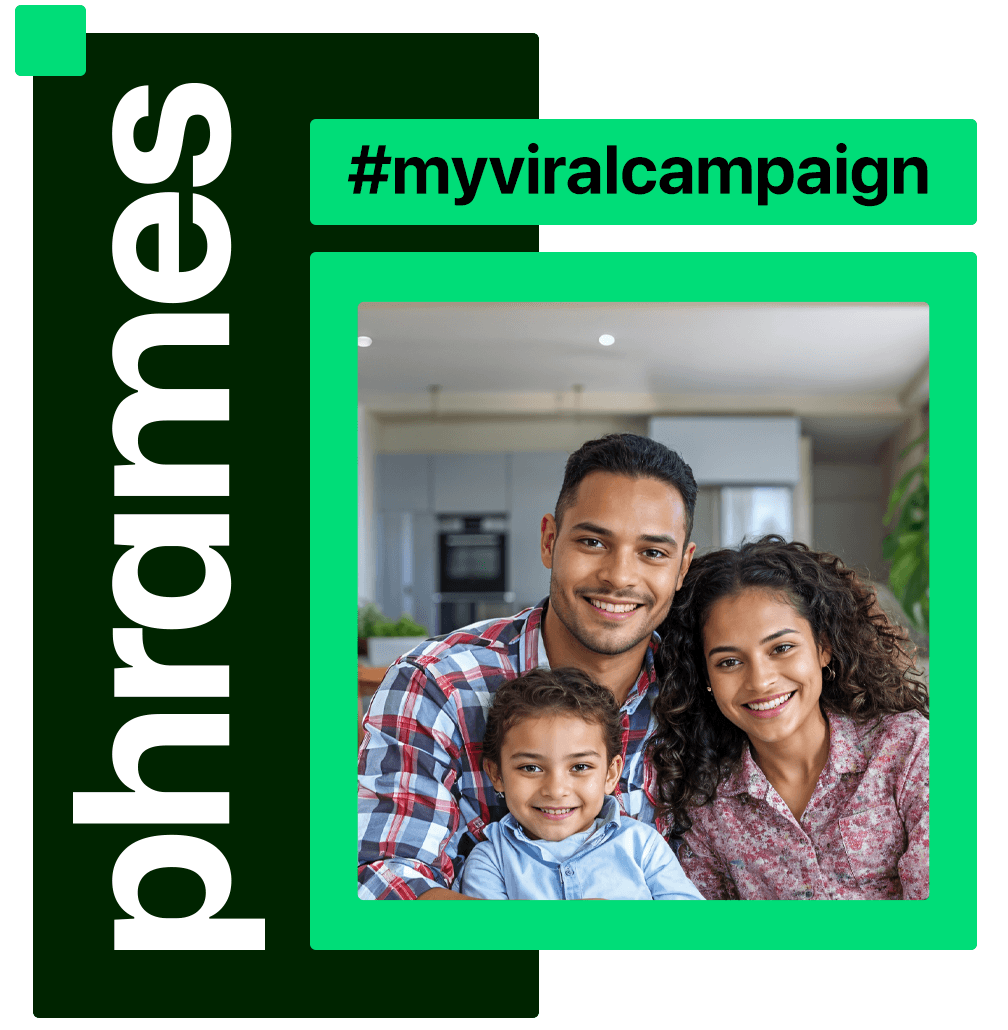
Set up once. Share the same link with everyone.
Choose single photo, multi-photo, video, or a combination. Upload one frame or three sizes.
Send it on WhatsApp, post it on social, or use your campaign QR code.
Supporters choose an available frame size or build a video, then download their finished media.
Preview only. Your photo stays on this device.
New · Video campaigns
Supporters combine clips, add your campaign frame and soundtrack, and download a finished video. You choose the format, length, and editing options for everyone.
Allow photo campaigns, video campaigns, or both. Set portrait, landscape, or frame-matched video output.
Set the finished-video limit. Supporters can combine clips, apply optional stabilization or smooth slow motion per clip, and add a lower third.
Choose up to three transition styles for the edit. Add an optional 5-second photo or video outro (up to 5 MB); it appears after the clips without the campaign frame.
Video exports are assembled in the supporter’s browser; their clips stay on their device. See format pricing.
Choose a campaign to add your photo.
Featured community campaigns
Choose a campaign format, then select how long it should run.
Prices are per campaign. Choose a duration and format to see the current total before checkout. The free offer applies to single-photo campaigns only.
Create an account, choose a campaign format, and give it a name. Upload one transparent PNG frame—or three different sizes for Multi-photo and All formats—then set any optional supporter text and share your campaign link.
No. Supporters open your campaign link and add a photo or create a video, depending on the options you enabled. They can download the finished media in their browser.
Yes. On eligible plans, add text fields and choose the fonts, colors, and positions. Supporters fill in their own words. You can keep the layout fixed or let them move the text.
They can combine short clips, add the campaign frame and optional soundtrack, and download the finished video. Depending on your setup, they can also use transitions, lower thirds, an outro, per-clip stabilization, and 0.5× slow motion. Video processing happens in their browser.
The public campaign becomes unavailable when its active period expires. You can renew it from your dashboard to let supporters use it again.
When the offer is enabled, eligible accounts can start one single-photo campaign free for 30 days. Multi-photo, video, photo + video, and All formats require a paid plan. You’ll see the full format price before checkout.
Use a transparent PNG up to 10 MB. Supported frame ratios are square (1:1), portrait (4:5, 3:4, or 9:16), and landscape (16:9). Minimum dimensions depend on the ratio; Multi-photo and All formats need three different ratios. Downloads have no Phrames watermark.